
Lead destination
PopFlare + Mailchimp
Add or update audience members, merge fields included, and tag them by campaign.
Lead destination
Add or update audience members, merge fields included, and tag them by campaign.
Connect
Add Mailchimp in Settings → Integrations and test the connection.
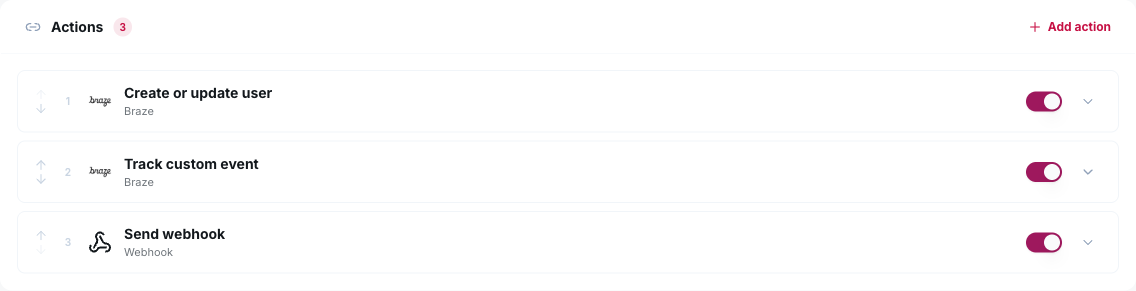
Choose actions
On each campaign, pick what happens to every lead and map form fields.
Relax
Leads arrive in seconds; outages retry automatically and the Leads page shows the result.
One line of code, your first campaign in minutes.