Visual editor

Design popups that look like your brand

Start from 35 templates or a blank canvas and shape every pixel: text, images, form fields, countdowns and one-click discount codes.

popflare.io
Visual editor
01

Drag, drop, done

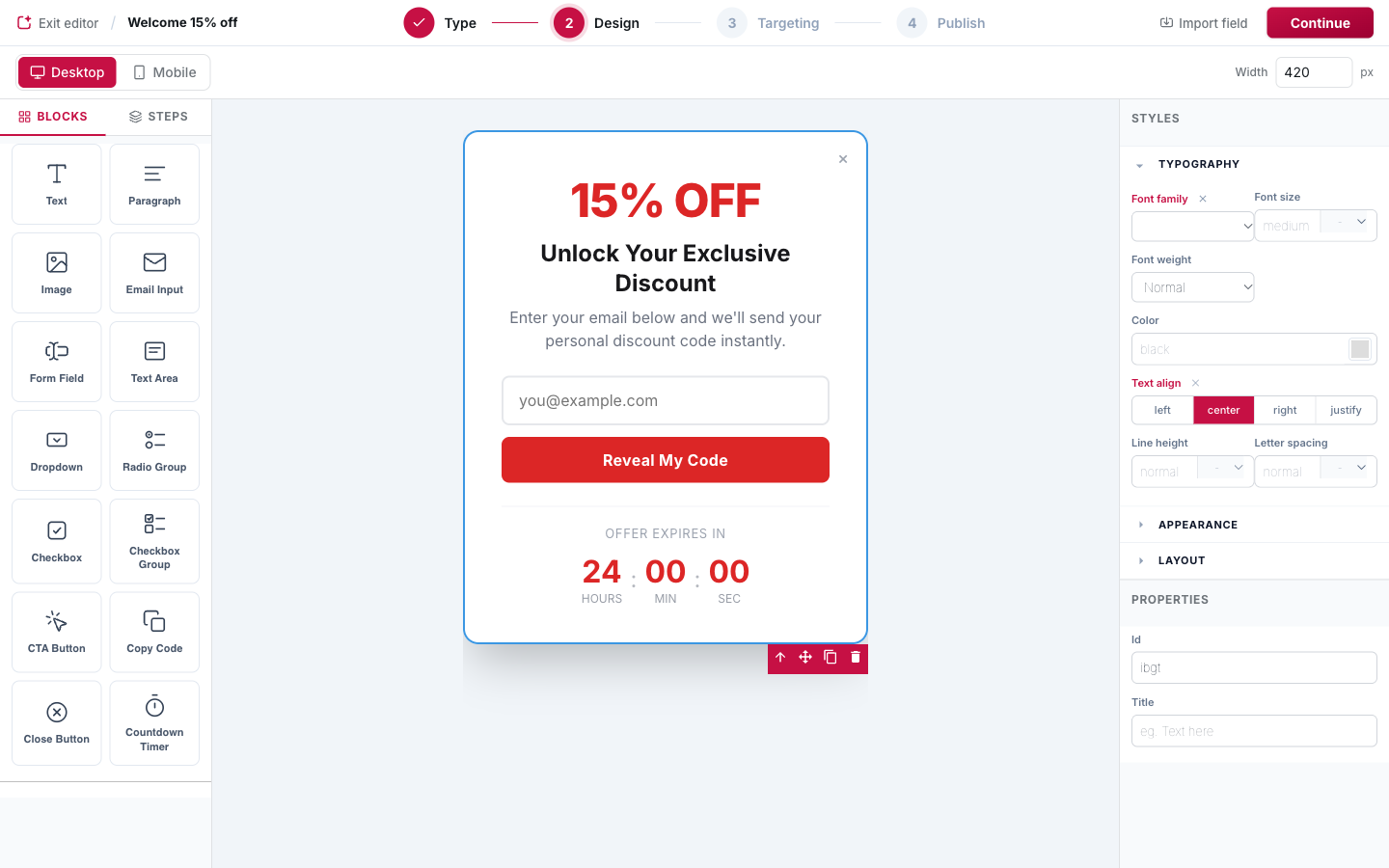
Text, images, email and form fields, dropdowns, checkboxes, buttons, countdown timers: drop blocks on the canvas and edit them in place. What you see is exactly what visitors get.

popflare.io
Drag, drop, done
02

Discount codes people actually use

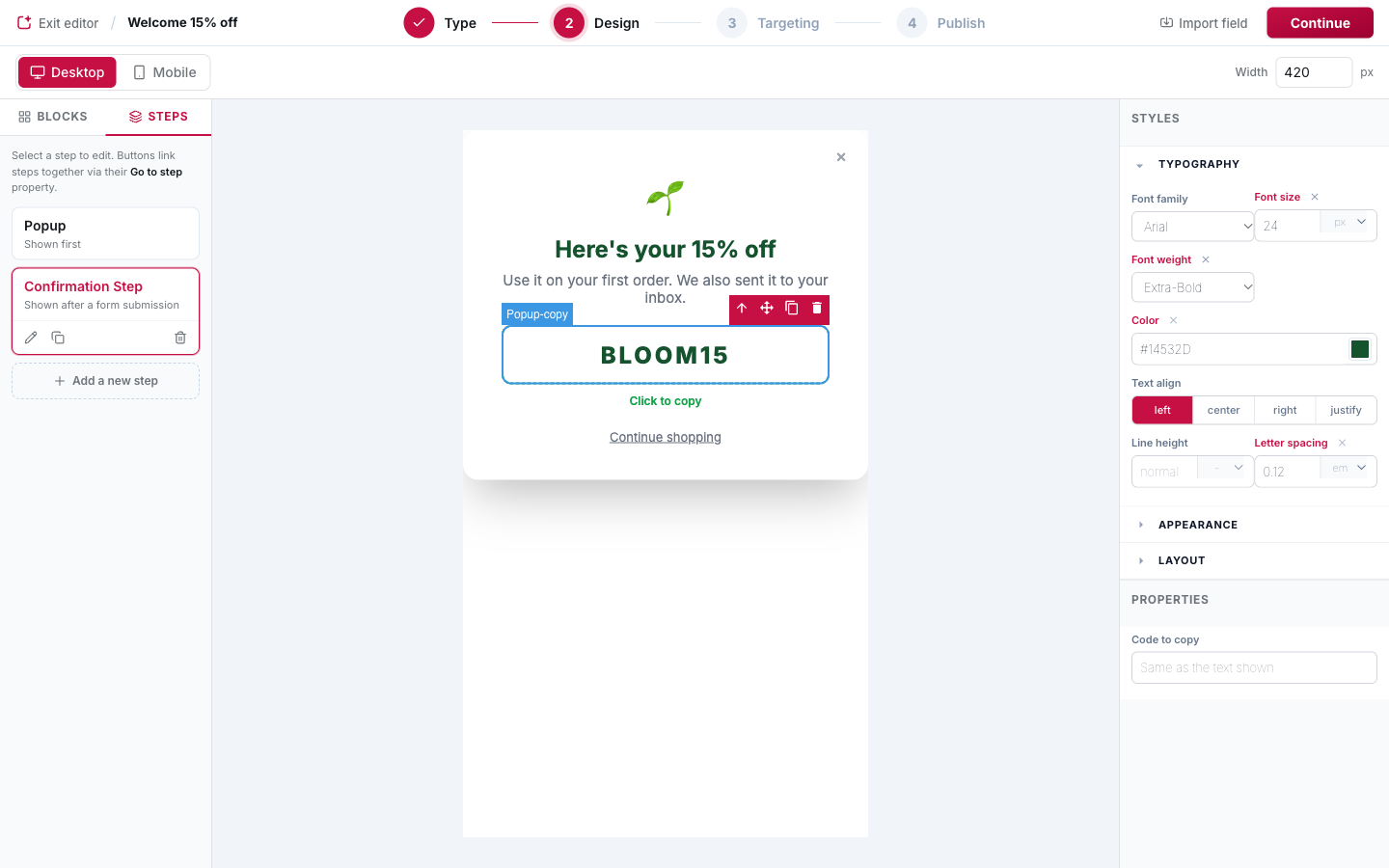
A Copy Code block copies the code in one click and confirms it in the visitor's language. No more codes lost between the popup and the checkout.

popflare.io
Discount codes people actually use
03

35 templates, every goal

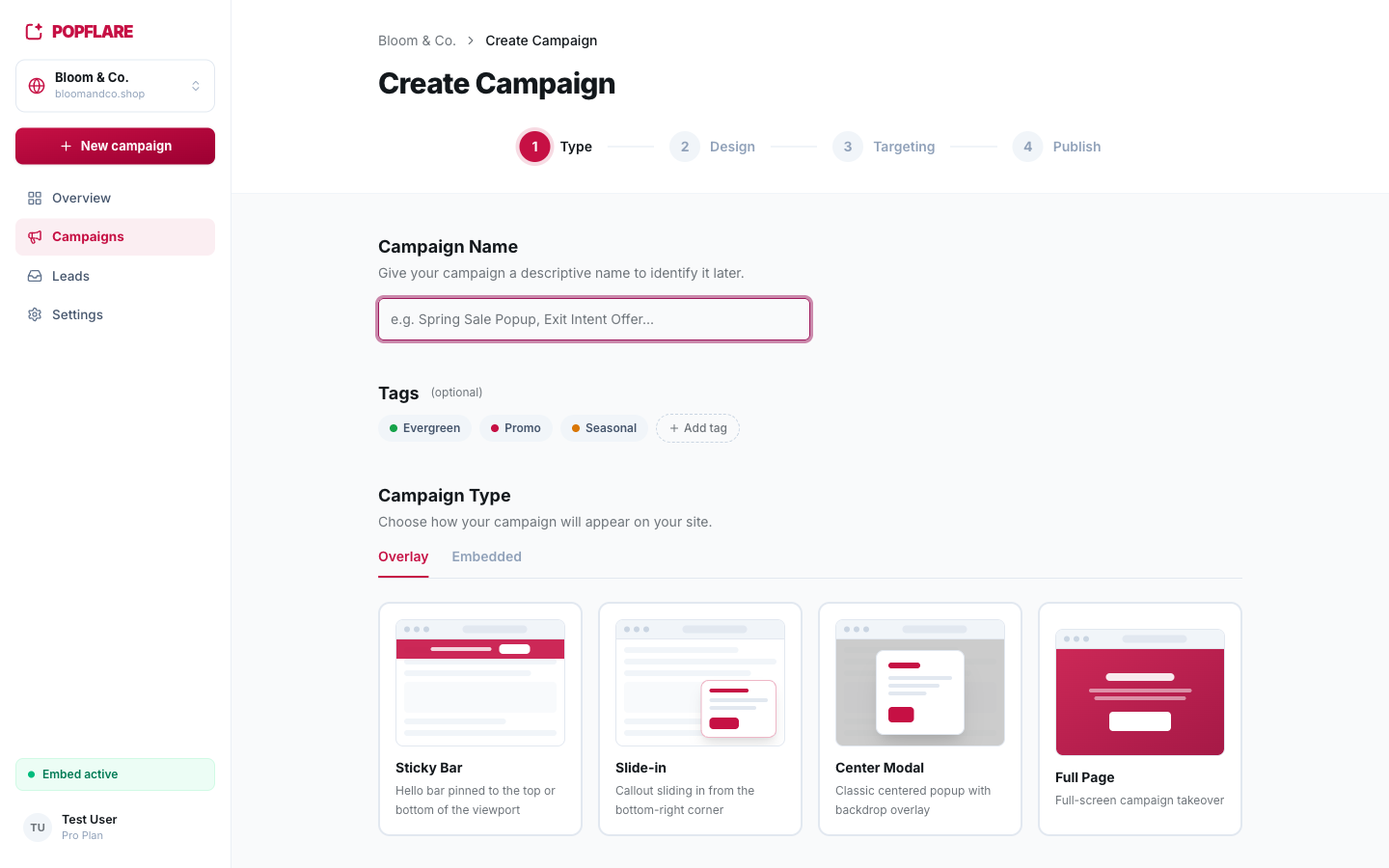
Newsletters, lead magnets, discounts, webinars, exit intent, seasonal promotions and free trials, as modals, slide-ins, sticky bars, full-page takeovers or inline forms.

popflare.io
35 templates, every goal

Also included

  • Desktop and mobile preview
  • Pixel width control
  • Fields imported from your CRM, values already aligned
  • Close buttons and "No thanks" links

Step-by-step guide

How to use visual editor

Screenshots and recipes in the PopFlare docs.

Open the docs →

Next feature

Targeting & triggers

The right popup, on the right page, at the right moment

Keep exploring →

Your next subscriber is already on your site

One line of code, your first campaign in minutes.