Targeting & triggers

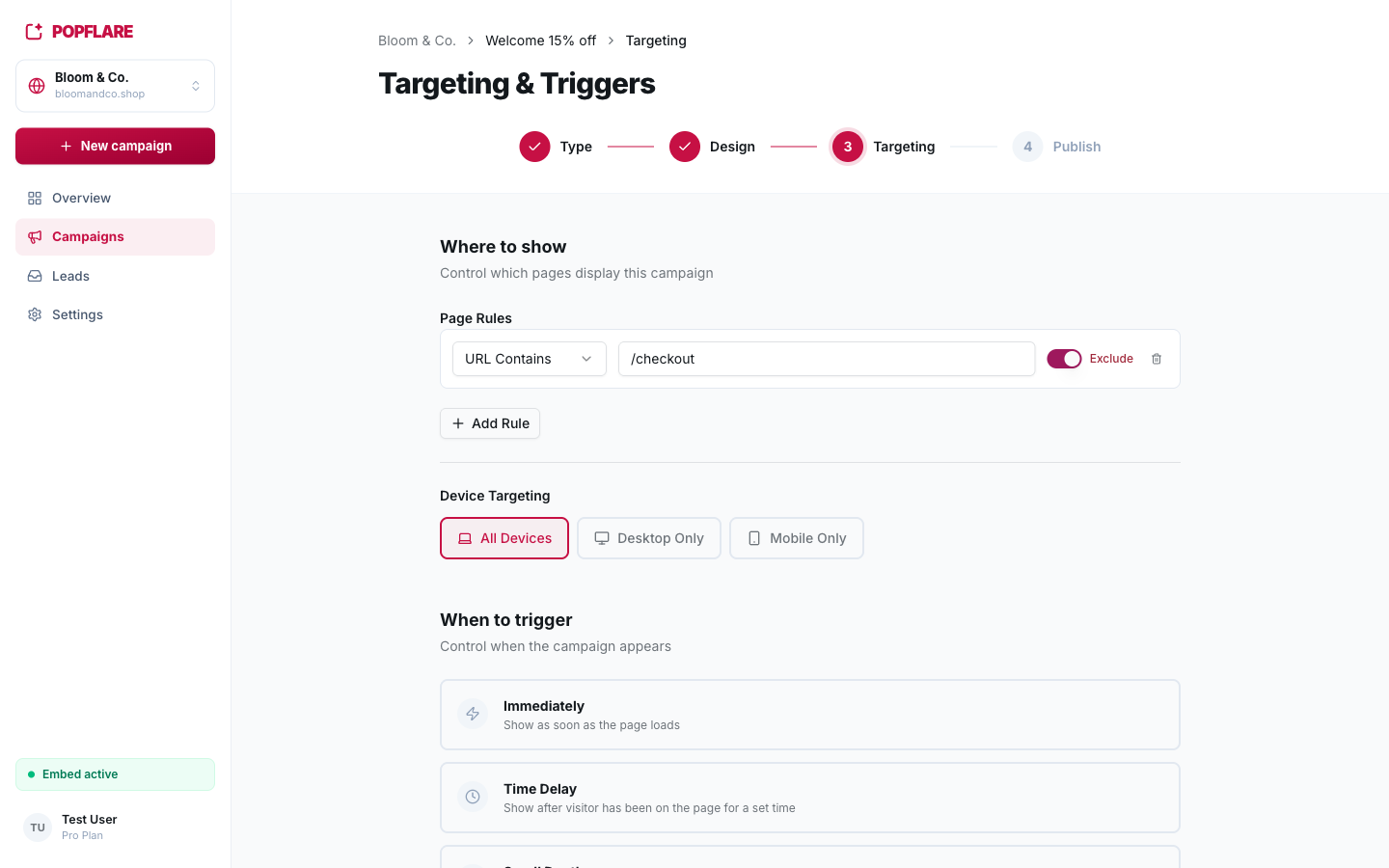
The right popup, on the right page, at the right moment

Show campaigns only where they make sense, when visitors are ready, and never too often.

popflare.io
Targeting & triggers
01

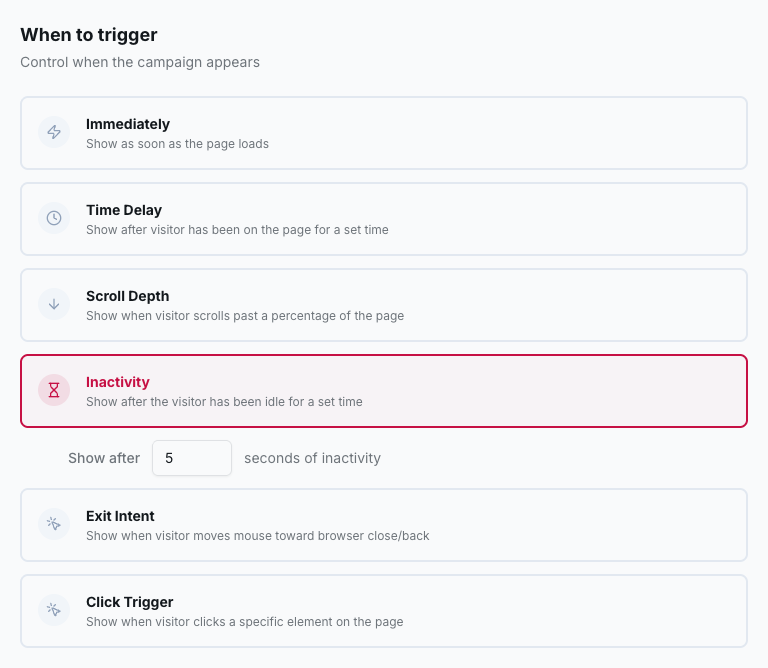
Six triggers

Immediately, after a delay, on scroll depth, after inactivity, on exit intent or when a visitor clicks an element of your page.

popflare.io
Six triggers
02

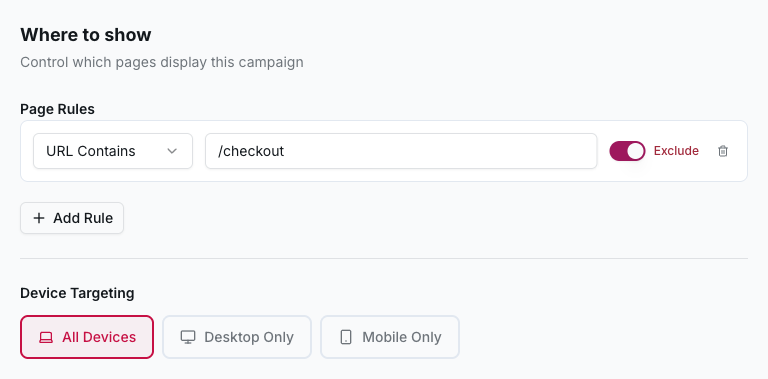
Page and device rules

Include or exclude pages by URL (contains, starts with, exact, regex) and choose desktop, mobile or both. Exclusions always win.

popflare.io
Page and device rules
03

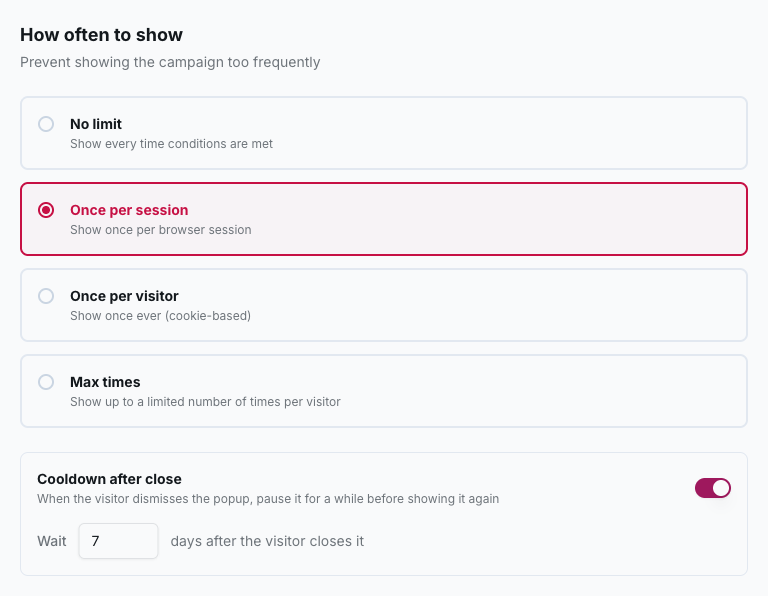
Respectful frequency

Once per session, once per visitor or a maximum number of times, plus a cooldown after someone closes the popup.

popflare.io
Respectful frequency

Also included

  • Scheduled start and end dates
  • Staging and country domains on one site
  • One campaign per language, each on its own domains

Step-by-step guide

How to use targeting & triggers

Screenshots and recipes in the PopFlare docs.

Open the docs →

Next feature

Multi-step popups

More than one screen, still one popup

Keep exploring →

Your next subscriber is already on your site

One line of code, your first campaign in minutes.